Eternity Time Log
Track time like a pro!
Track multiple, hierarchical projects.
Review and adjust logs.
Generate detailed, hierarchical reports and charts.
Export data to Excel.

Work
Work efficiently. Put your time where it counts. Identify and avoid distractions.
Play
Devote time to your family, interests and hobbies. Enjoy guilt-free play – you know you’ve earned it – you track your work time too ;)
Sleep
Make sure you sleep well and enough to stay fresh, energized and motivated.
Simple
Eternity is a simple iPhone time tracking app, offering solution to the “what was I doing all day…?”, “where is my pen and paper” and “all work, no fun makes me a dull boy” problems ;)
Flexible
It is used by many people, in many ways, from personal development, through project tracking, time management to billing.
Universal
Eternity is a Universal App, which means it’s been designed to work on iPhone and iPad. No HD version, no nonsense. Two time tracking apps in one package :)
Run timers

Define your activities in any hierarchy you like, run multiple timers with quick access to the current timers, favorites and recents.
Review logs

Review and adjust your logs in two modes: standard table or zoomable, calendar-like TouchLog.
Analyze reports

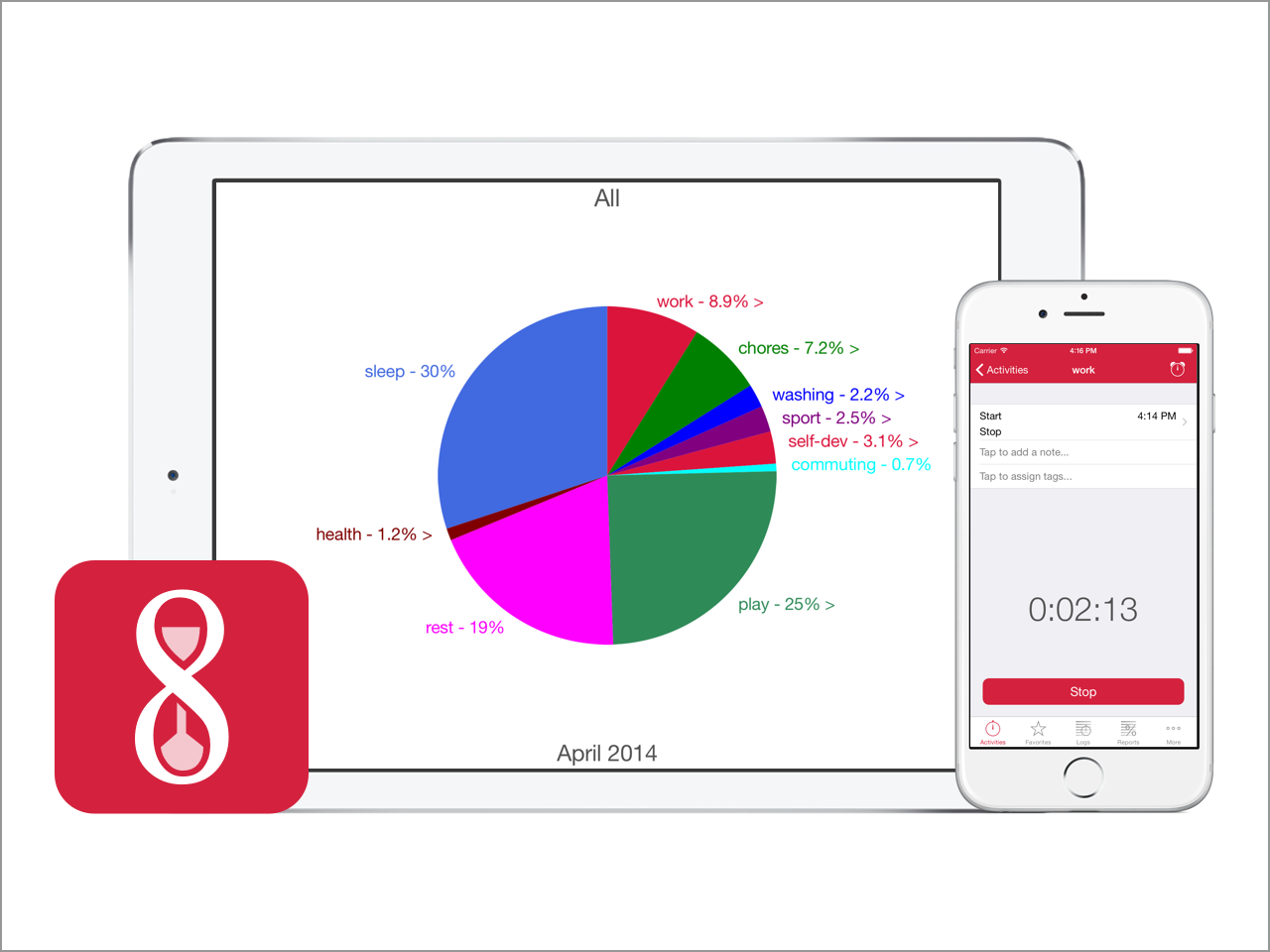
Analyze detailed, hierarchical reports with advanced filters. Navigate through your data in full screen, interactive pie charts.


